BUSY BUREAU
Websites, Apps & Marketing
Philippines — working with the UK, Europe, US & AU

Healthcare · Philippines

A clinic's front desk, laboratory and records, in one system.

A clinic and laboratory system with four roles — patients, doctors, clinical staff and admin — covering online appointments, lab bookings and results, doctor schedules and patient records.

Open the live site ↗(opens in a new tab)Overview

Client
Famcare Clinic and Laboratory
Sector
Healthcare
Where
Philippines
What it is
Clinic and laboratory management system
What we did
Product design · Full-stack build · Patient portal · Staff tools
Built with
Laravel · Inertia · React · Cloudflare
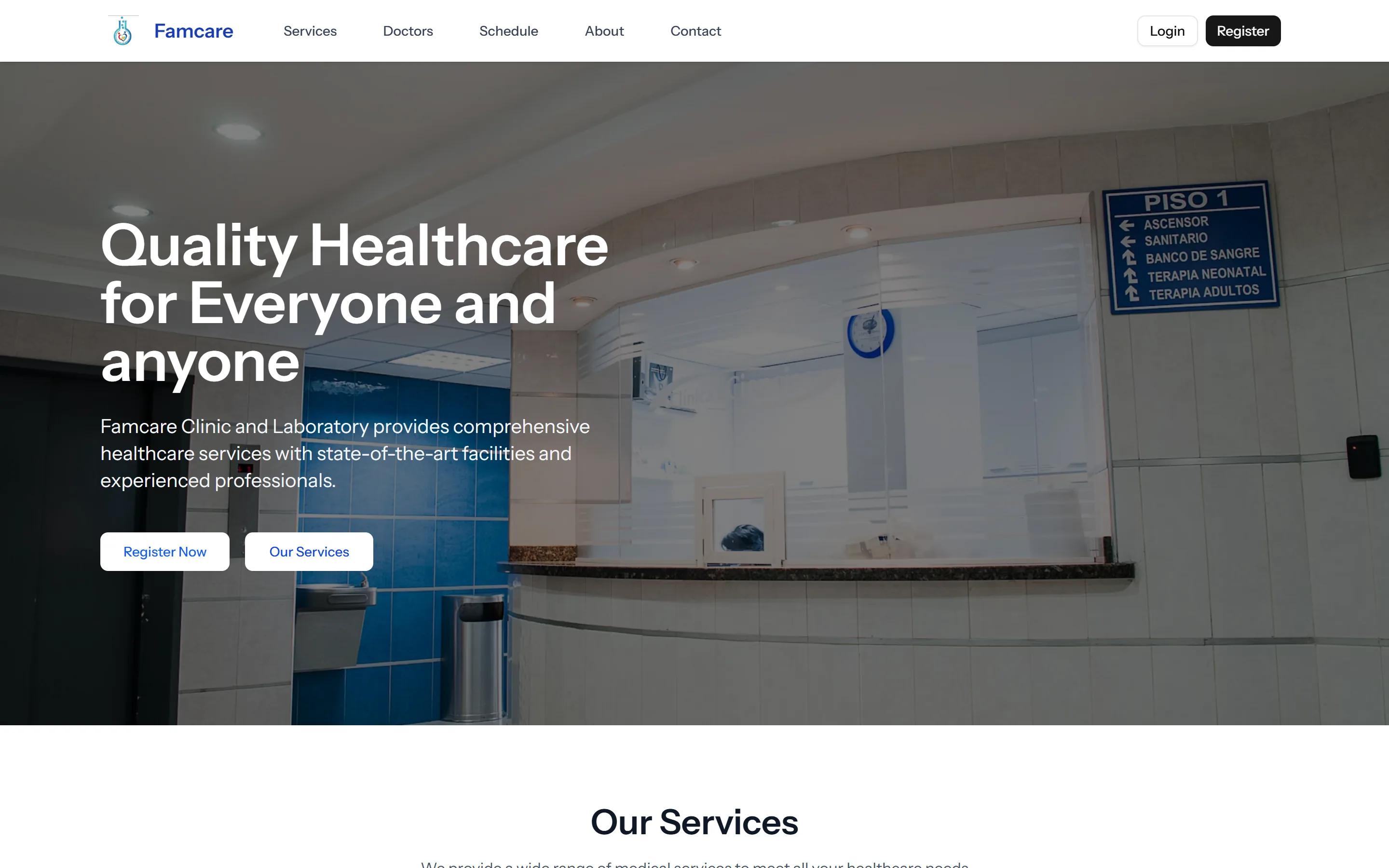
The Famcare Clinic and Laboratory homepage
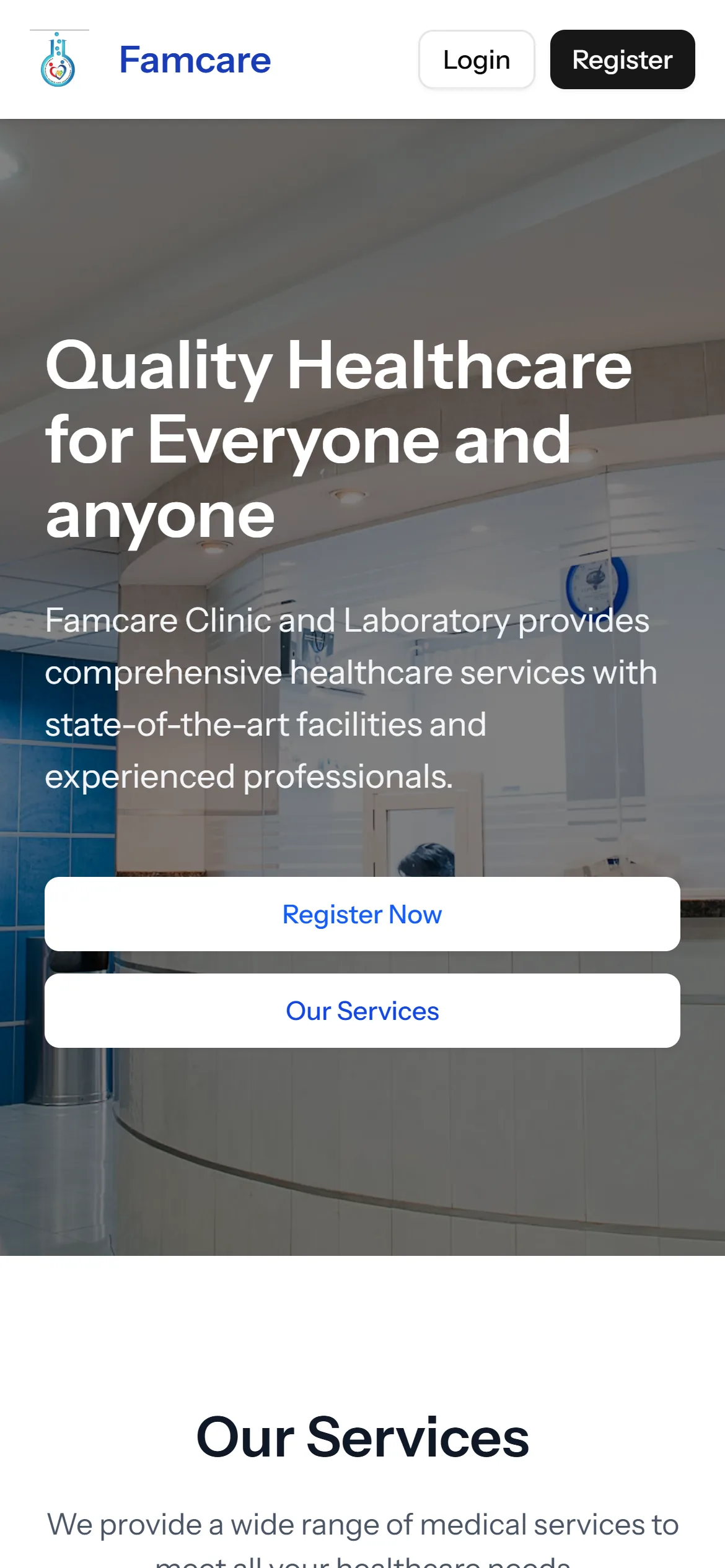
The Famcare homepage on a phone
Roles: patient, doctor, clinical staff, admin
4
Services listed, from check-ups to home visits
8
Steps to create a patient account
2
01 — Overview
The problem

A small clinic runs on a front desk, a logbook and a phone that rings all day. Patients call to ask who is on duty, call again to book a check-up, and call a third time for their lab results. The doctors' schedules live in somebody's head, and the records that matter most are the hardest to find while the patient is standing at the counter.

What we built

One system with four ways in. Patients register, book a check-up or a laboratory test, and see their results. Doctors handle consultations and medical records. Clinical staff run the lab results and the scheduling. Admin manages users, services and reports. In front of it, a public site lists the clinic's services and each doctor's weekly availability, so the first question — who is in, and when — is answered before anybody picks up the phone. Laravel and Inertia with React, with a separate account type for each role.

02 — The journey

From first visit to lab result

The patient's side of the system — the part that takes calls off the front desk.

  1. 01

    Find

    The public site lists the services and each doctor's weekly availability.

  2. 02

    Register

    A two-step patient account: the login first, personal details second.

  3. 03

    Book

    Choose a doctor and book a check-up, or book a laboratory test.

  4. 04

    Visit

    The doctor runs the consultation and keeps the medical record.

  5. 05

    Results

    Lab results come back to the patient's own account.

03 — Features

What it does

01

Four roles, one system

Patients, doctors, clinical staff and admin each get the tools for their job — and only those.

02

Online appointments

Patients pick a doctor and book a visit from their account instead of calling the front desk.

03

Laboratory bookings and results

Lab tests are booked online, and the results are viewable in the patient's account once they are in.

04

Doctor schedules in public

A weekly availability grid for every doctor on the public site, so patients can see who is in before they come.

05

Patient accounts

Registration in two short steps — account first, personal information second — so nobody faces a long form at the start.

06

Admin and reports

The clinic manages its users, its list of services and its reports from one admin role.

04 — Up close

Four roles, one record

Every role sees its own part of the same patient record. Step through a lab test to see who touches it.

PatientAppointments, lab bookings and their own records
Clinical staffLab results and scheduling
DoctorConsultations and medical records
AdminUsers, services and reports
Step 1 / 5

A patient books a test

From their account, a patient books a laboratory test or a check-up with a chosen doctor.

05 — Under the hood

The hard parts, and how we solved them

01

Four kinds of user, one system

What made it hard

Patients, doctors, laboratory staff and administrators need completely different screens — and a patient must never land in a doctor's tools.

How we solved it

A separate account type for each role. Each one gets the tools for its job: appointments and records for patients, consultations for doctors, lab results and scheduling for staff, users, services and reports for admin.
02

Answer “who is in today?” before the phone rings

What made it hard

The most common call to a clinic is not about medicine at all. It is whether a particular doctor is in.

How we solved it

Every doctor's weekly availability is on the public site in one grid, next to a booking button — no login needed to check.

03

Results without another trip to the desk

What made it hard

A lab result usually means a second phone call, or a second visit to collect a piece of paper.

How we solved it

Results are entered by the clinical staff and appear in the patient's own account, where they stay.

06 — Screens

The real thing

Captured from the live product — the site, and the app where there is one. Select any screen to enlarge it.

The public site: what the clinic offers, and a way in for patients.
Check-ups, laboratory, schedules and doctors on duty — patient features sit behind an account.
Eight services, from paediatric check-ups to home NGT insertion, each with an enquiry.
Patient registration in two steps: the account first, personal information second.
The public site on a phone.
Registration on a phone.
07 — Stack

Built with

Laravel
Accounts, roles, bookings and records
Inertia
Pages without a separate API
React
The interface
Cloudflare
In front of the site

Services used

Where it is now

Live, with a demo for every role

The public site is live, and the login page offers a demo account for each of the four roles — so anyone evaluating the system can try it from the inside, as a patient, a doctor, a member of staff or an admin.

Open the live site ↗(opens in a new tab)

Next case — 06MapiLeadsGoogle Maps, turned into a prospect list.Read the case study →
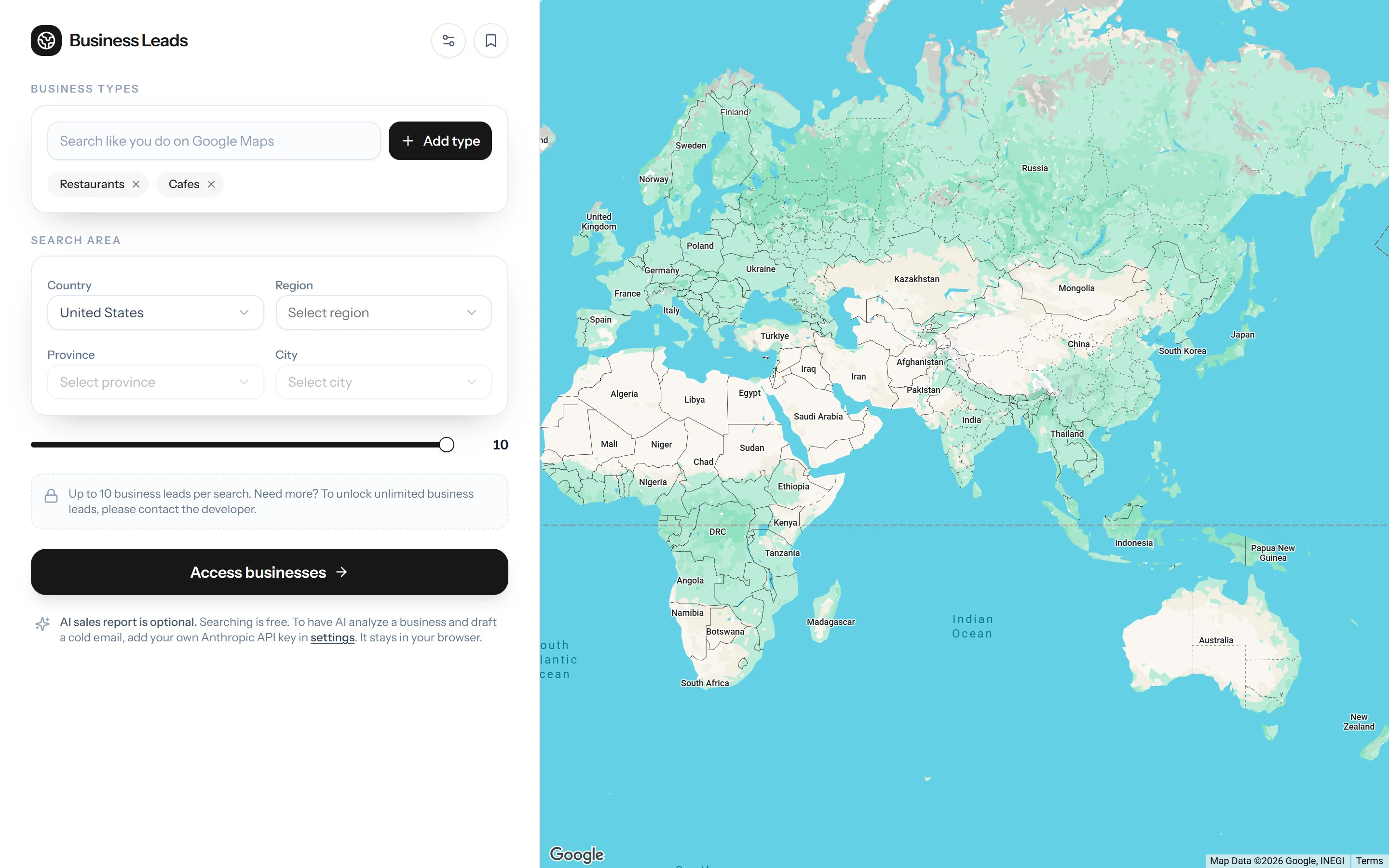
The MapiLeads search screen

Your project, on this page next year

Tell us what is not working. We'll tell you what it would take.

Start a project